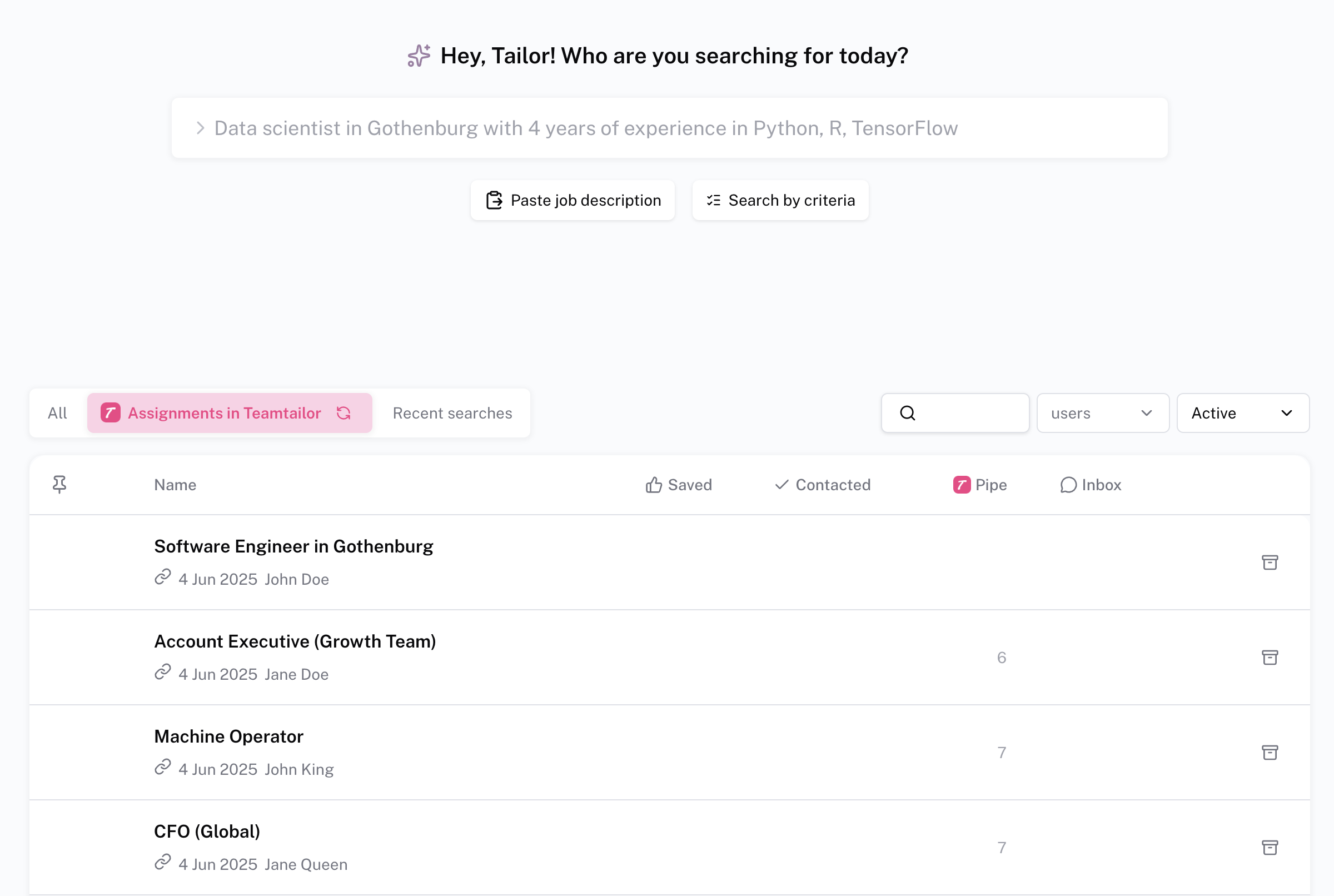
Installing TalentRiver to Teamtailor
1. Create an API key in Teamtailor
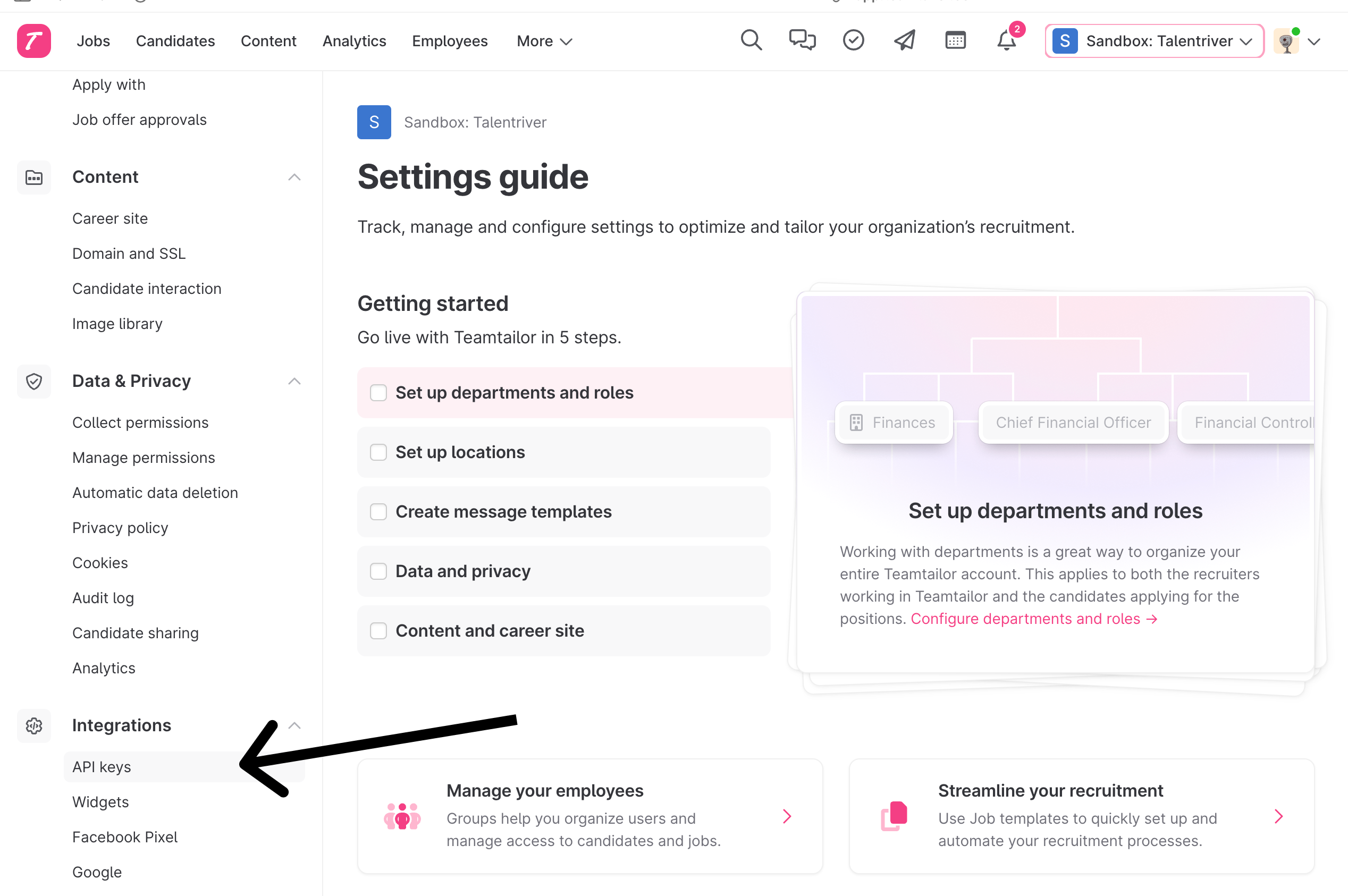
Inside Teamtailor navigate to ⚙️ Settings

Open API Keys under Integrations
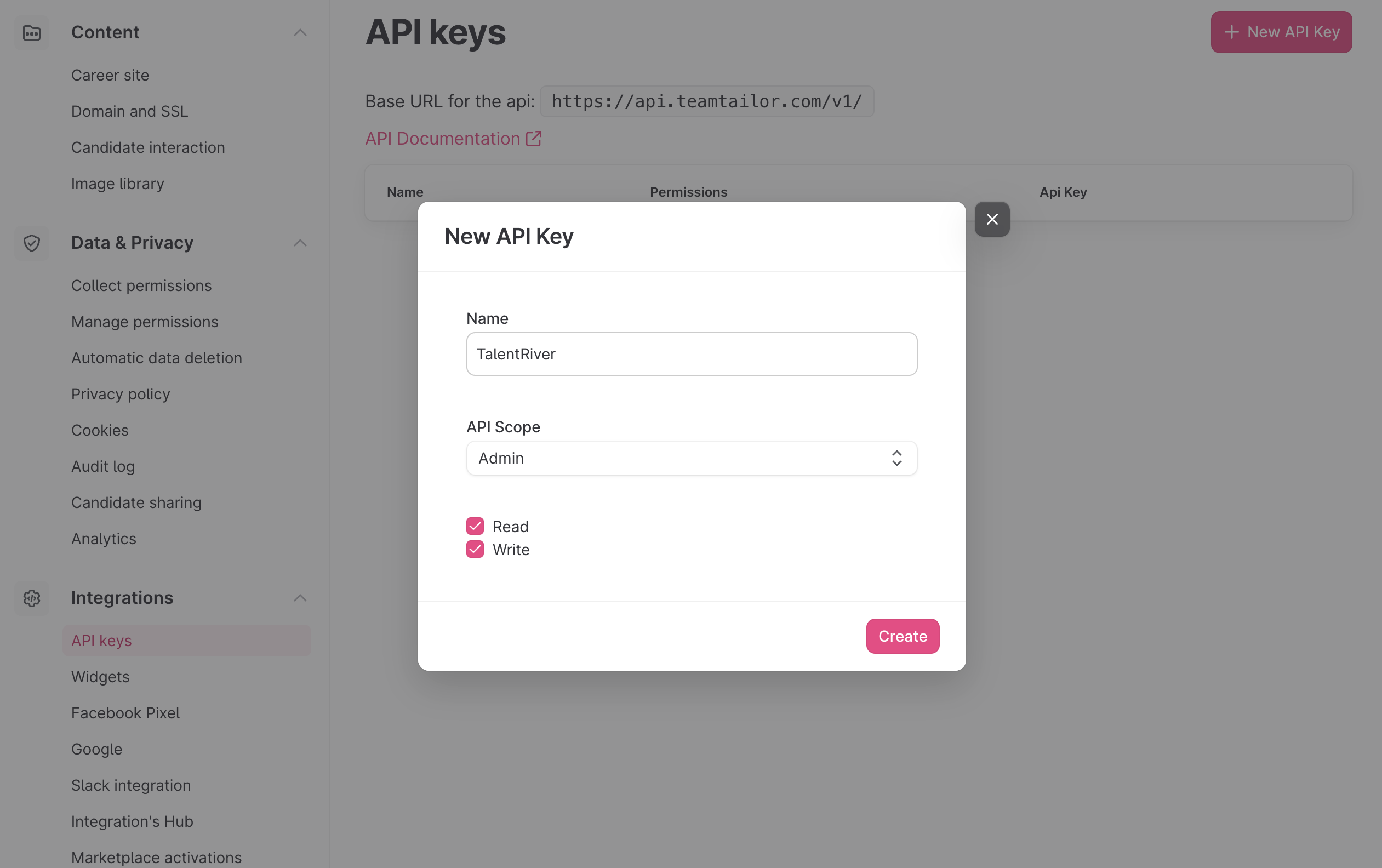
Click + New API Key
- Name it TalentRiver
- Set API Scope to Admin
- Select Read & Write
- Click Create
2. Activate TalentRiver and get an Integration Key
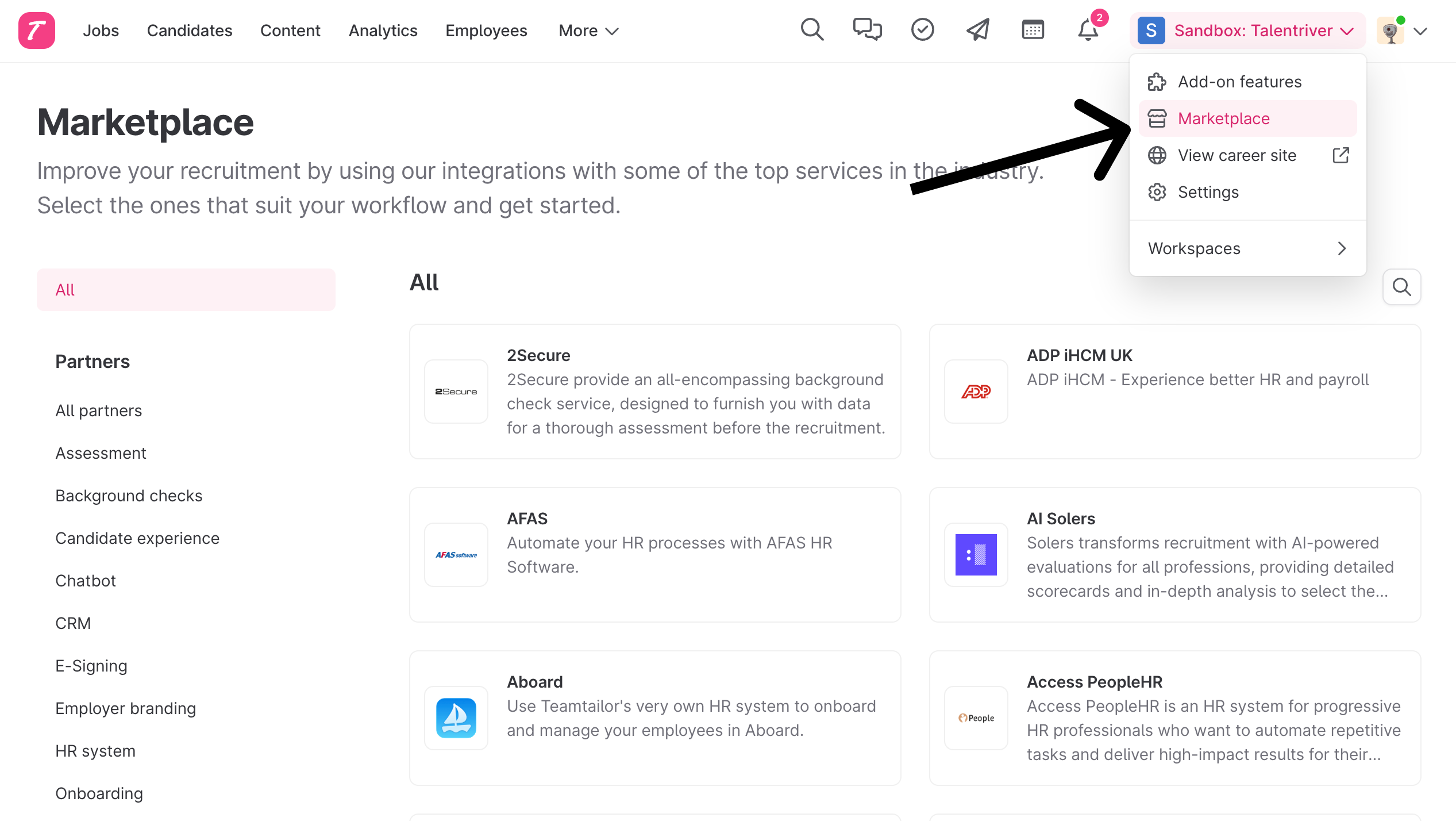
Inside Teamtailor navigate to 🏯 Marketplace
Click TalentRiver under Sourcing
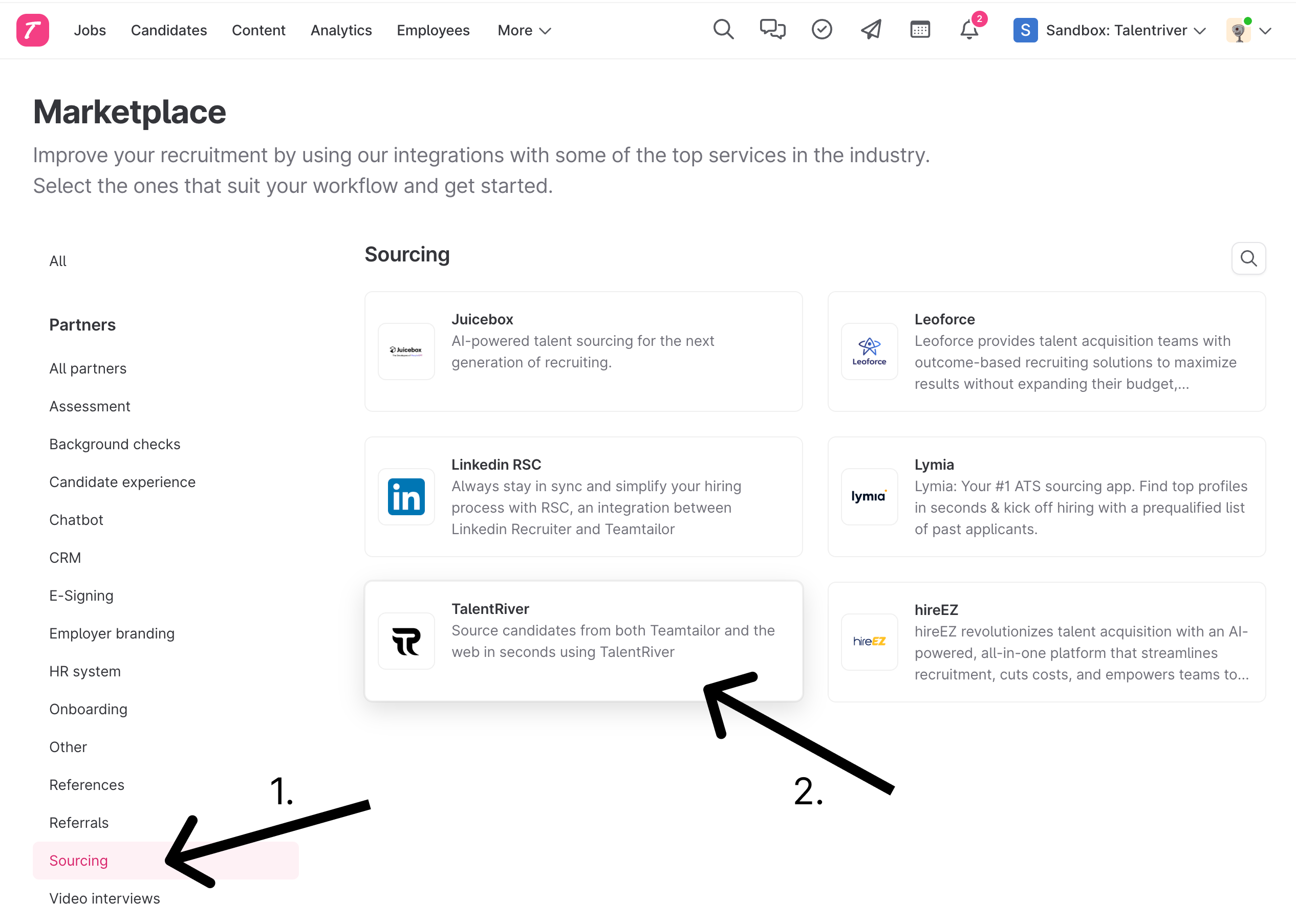
Activate the TalentRiver Integration

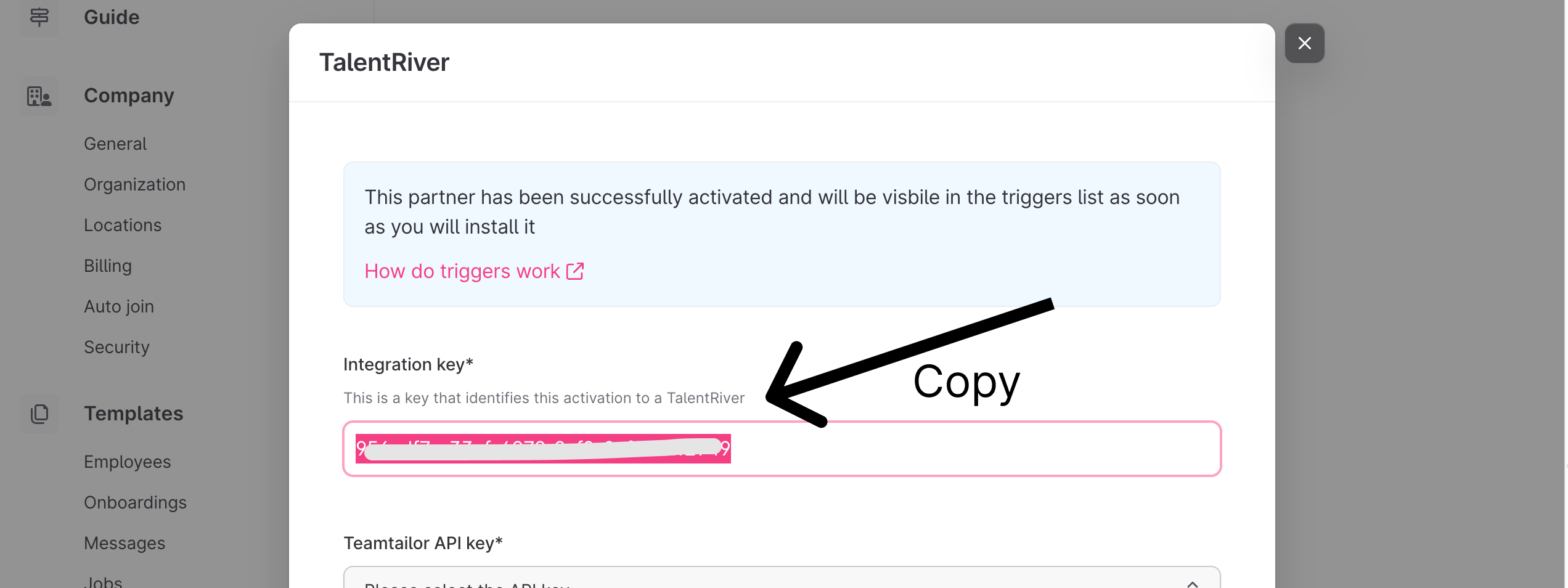
Copy the Integration Key and do not close this window
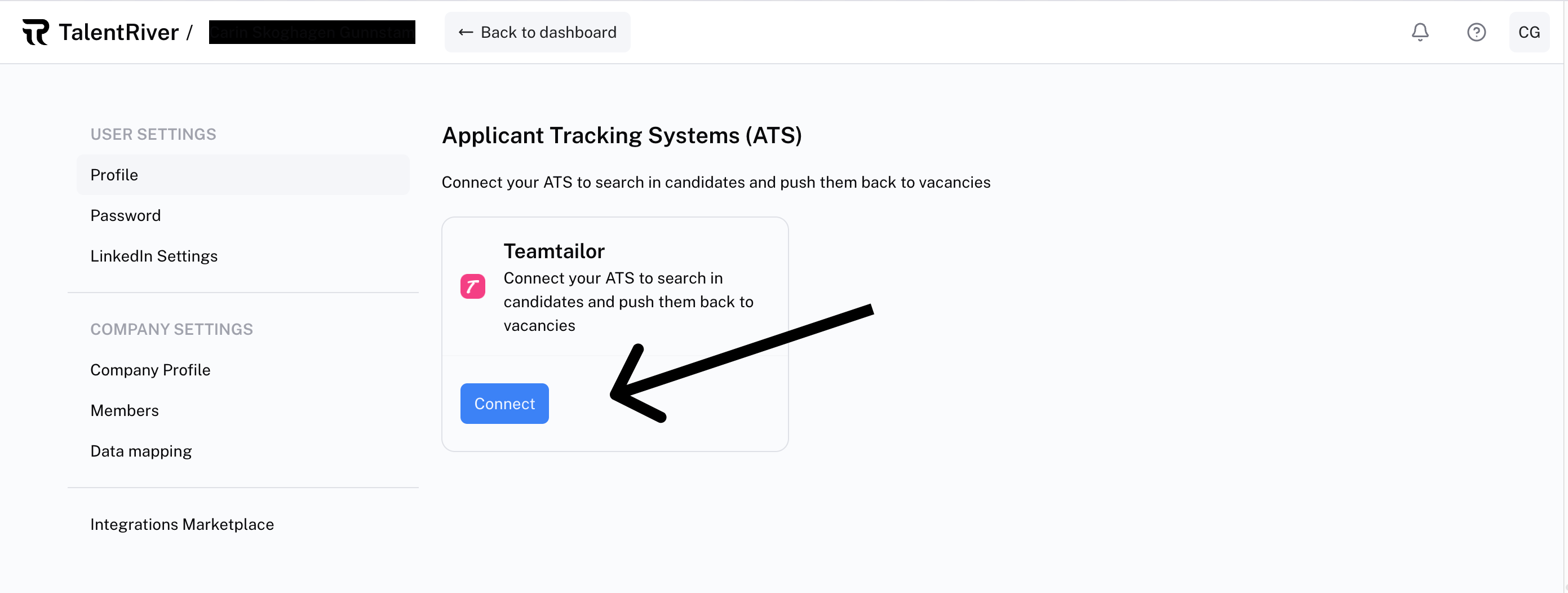
Inside TalentRiver open Integrations Marketplace

Under the ATS section, select click Connect for Teamtailor
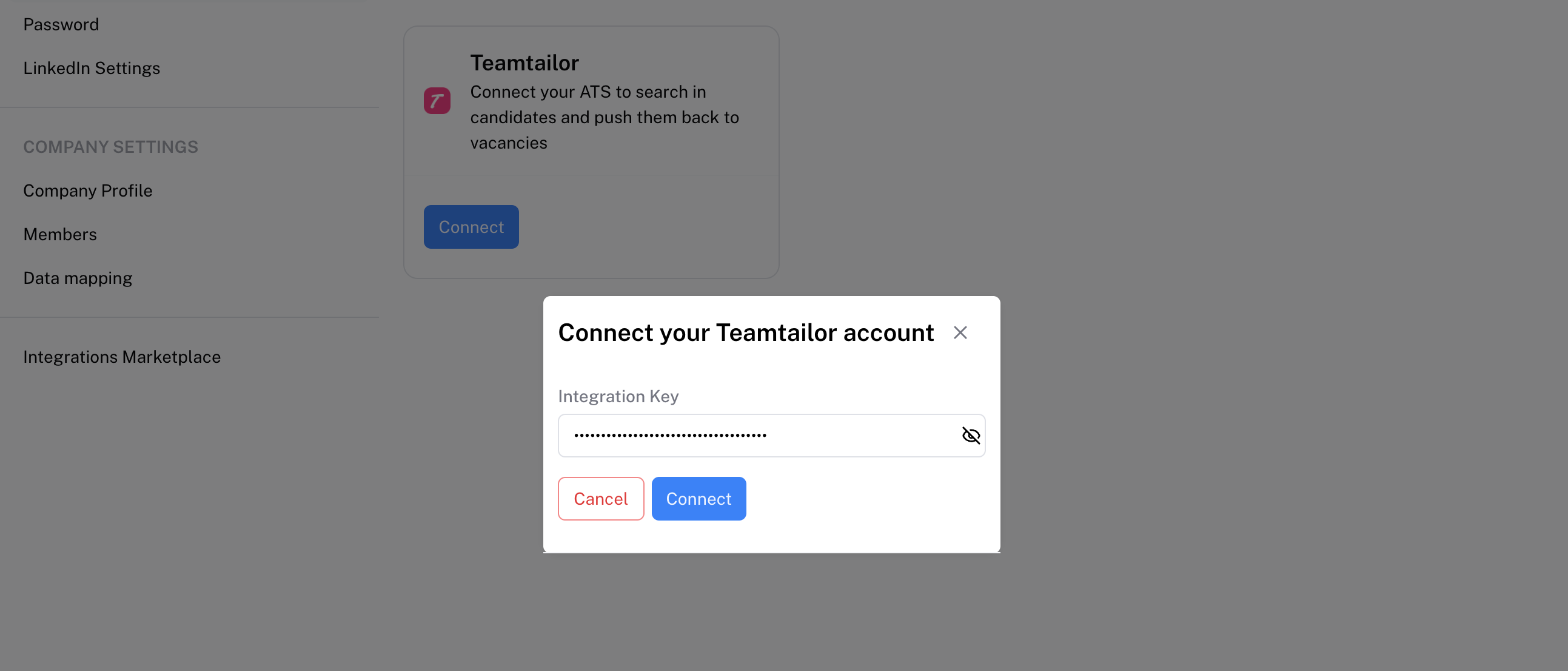
Paste the Integration key that you copied under "Copy the Integration key" above and click Connect
Switch back to the window in Teamtailor and select the API key in the dropdown
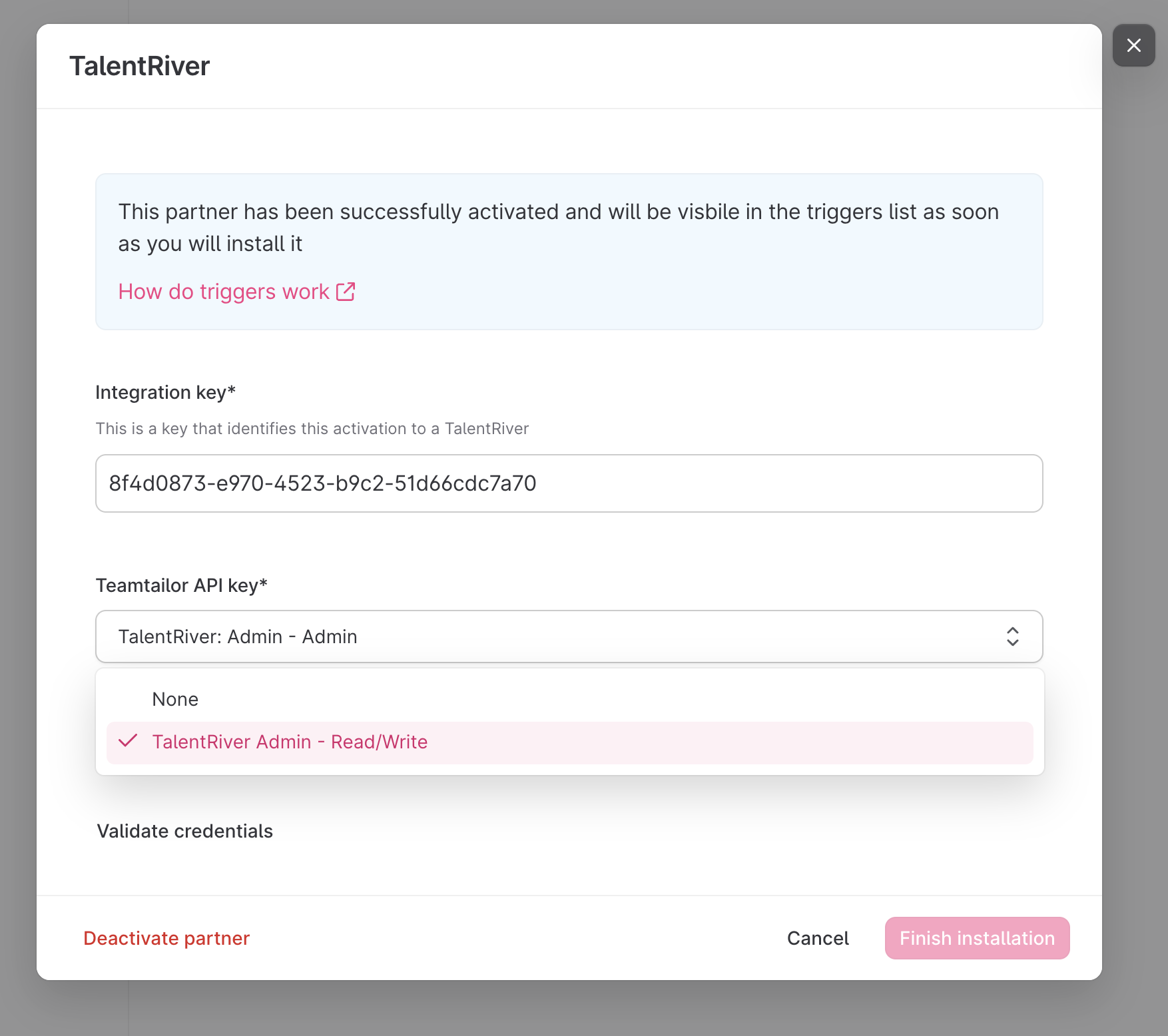
Press Validate credentials on the bottom left
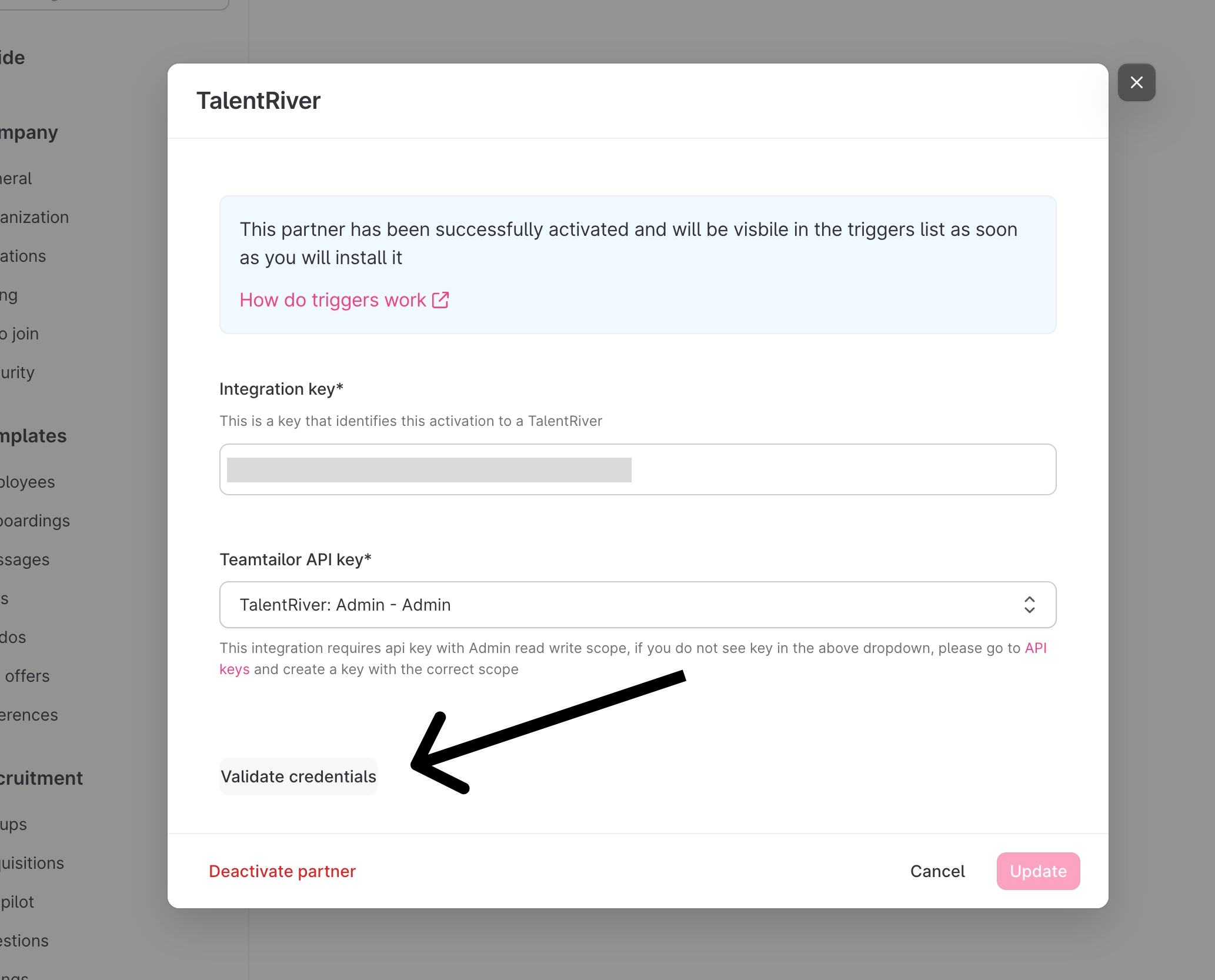
Congratulations! TalentRiver is now connected to Teamtailor.
It will take at most 24 hours for the systems to be fully synced.
When the systems are fully synced you should see your Teamtailor jobs with candidates inside TalentRiver